Mining Electricity Setup: A Guide to Circuits & PDUs (2026)
Why a Proper Electrical Setup is Essential for Mining
So, you've got your powerful new ASIC or a multi-GPU rig, and you're ready to start mining. Before you plug anything in, we need to talk about the single most critical aspect of a home operation: your electrical system. This isn't as simple as plugging in a new computer.
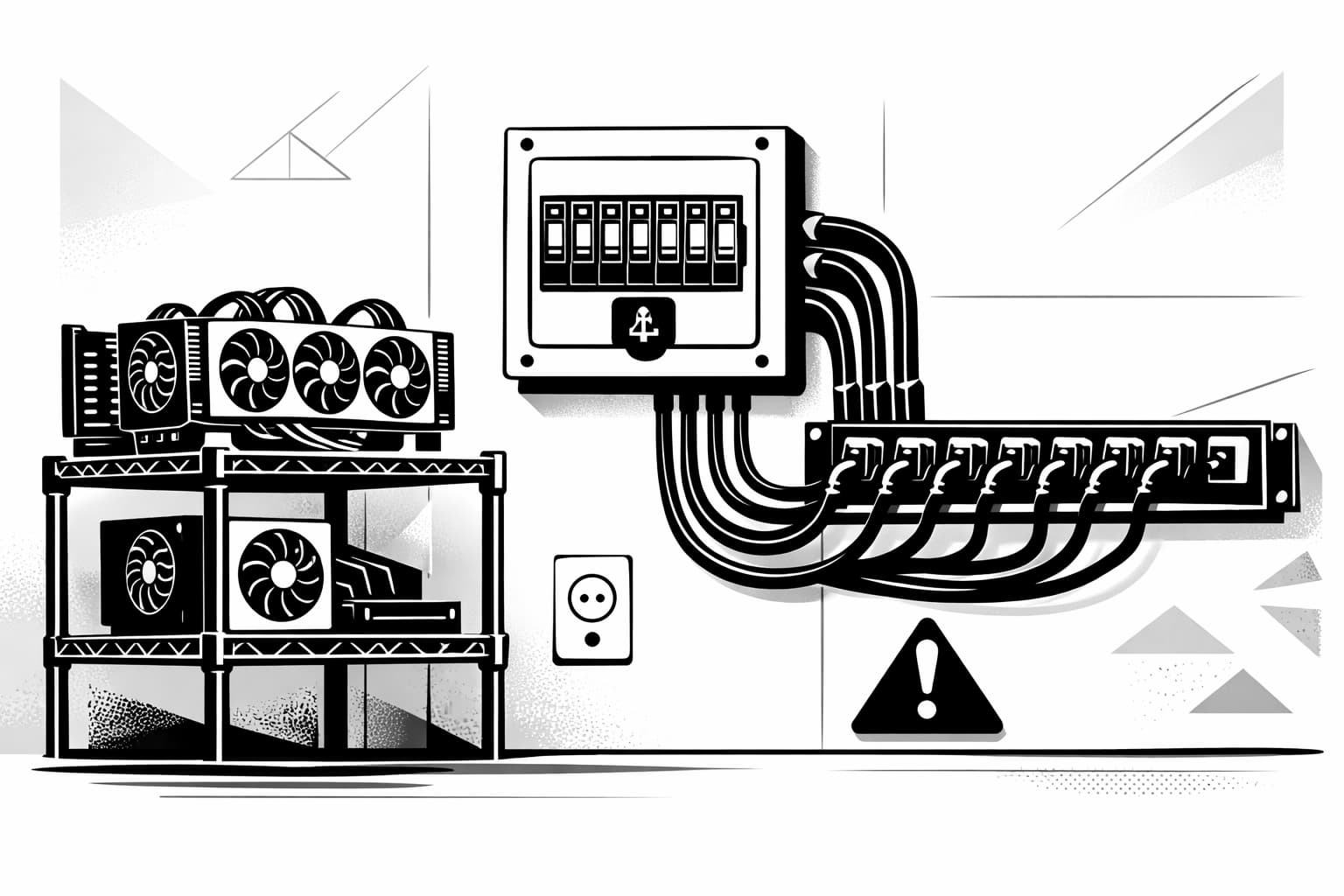
Your mining hardware consumes a massive amount of continuous power, far more than a refrigerator or a standard home PC. Trying to run this kind of load on a typical household circuit—the same one powering your lights and TV—is asking for trouble. You risk more than just constantly tripped breakers.
Overloading a circuit can cause wires to overheat inside your walls, creating a serious fire hazard. It can also lead to unstable voltage that damages your expensive equipment. A proper mining electricity setup is non-negotiable for both safety and profitability.
This guide will show you how to create a safe and efficient mining power supply at home. We'll cover everything from understanding your breaker panel to knowing when you need dedicated circuits to protect your investment and your home.
Understanding Basic Electrical Concepts for Mining
Before you plug in a single GPU, it's vital to grasp the language of electricity. Getting these concepts right is the foundation of a safe and efficient mining electricity setup. Don't worry, you don't need to become an electrician, but knowing these three core ideas will prevent costly mistakes and keep your home safe.
Volts, Amps, and Watts: The Mining Power Triangle
Think of electricity like water flowing through a pipe. Volts (V) are like the water pressure, Amps (A) are the flow rate or volume of water, and Watts (W) are the total power that water can deliver. The relationship is simple: Watts = Volts x Amps. For miners, Watts are what matters most on your power bill. Every device, from your ASIC to your GPU's mining power supply, has a wattage rating. This number tells you exactly how much power it consumes every second.
The 80% Rule: Your Circuit Breaker's Safety Margin
Your home's circuit breakers are designed to prevent fires by tripping when they're overloaded. However, for a "continuous load"—any device running for more than three hours, like a mining rig—you must follow the 80% rule. This safety standard means you should only ever use 80% of a circuit's maximum amperage. For a standard 15-amp home circuit, your safe limit is 12 amps. For a beefier 20-amp circuit, you must stay at or below 16 amps. Pushing past this limit risks overheating wires and creating a serious fire hazard.
120V vs. 240V Outlets: Which is Better for Mining?
In most US homes, you'll find standard 120V outlets. For a small, single-GPU setup, this is often fine. However, as you scale up, 240V power (like the outlet for your electric dryer) becomes far superior. Why? Because it delivers the same wattage with half the amps. Lower amps mean less heat generated in the wiring and components, leading to higher efficiency. This improved efficiency can translate to slightly lower electricity bills and a safer, more stable operation for powerful mining rigs.
Step 1: Calculate Your Mining Rig's Power Consumption
Before you can safely plan your circuits or choose a PDU, you need one key piece of information: exactly how much power your mining rig will use. Guessing here can lead to tripped breakers, damaged hardware, or even a fire hazard. Let's walk through a simple calculation to get an accurate number for your specific mining electricity setup.
Here is the basic process for finding your total power draw:
- Find the wattage for each of your GPUs or ASICs from the manufacturer's specifications.
- Add the power draw of your other components, like the motherboard, CPU, and fans. A safe estimate for these is around 100-150 watts.
- Add all the component wattages together and multiply the total by 1.2. This gives you a 20% safety margin and accounts for the power supply's efficiency.
Find the Wattage of Your GPUs and ASICs
Your graphics cards or ASIC miners are the most power-hungry parts of your rig. You can find their power consumption, often listed as TDP (Thermal Design Power) or Max Power Draw, on the manufacturer's official product page or in trusted online tech reviews. Don't rely on generic numbers; find the exact value for your specific model.
For example, if you have a rig with two GPUs and each is rated for 300 watts, your starting point is 600 watts just for the cards themselves.
Factor in Your Mining Power Supply (PSU) Efficiency
Your mining power supply converts AC power from your wall outlet to DC power that your components can use. This conversion process isn't perfect; some energy is always lost as heat. An efficiency rating, like "80 Plus Gold" or "80 Plus Platinum," tells you how efficient that conversion is. A Gold-rated PSU is at least 87% efficient, meaning it wastes less electricity. Choosing a high-efficiency PSU will lower your electric bill and reduce heat output, improving your rig's stability.
Calculate Your Total Power Draw
Now, let's put it all together. Add the wattage of your primary hardware (GPUs/ASICs) to the power draw of your other system components (motherboard, CPU, fans, etc.). A safe estimate for these supporting parts is about 100-150W.
Using our two-GPU example: (300W + 300W) + 150W for other parts = 750W. Now, we apply our 20% safety buffer by multiplying that total by 1.2. This accounts for PSU inefficiency and power spikes. So, 750W x 1.2 = 900 watts. This final number is the actual power your rig will pull from the wall, and it's the number you must use to plan the rest of your setup.
Step 2: Assess Your Home's Current Electrical Circuits
Now that you know how much power your mining rig needs, it's time to see what your home can safely provide. This step involves a bit of detective work at your circuit breaker panel to map out your available power and prevent dangerous overloads. A proper mining electricity setup starts with understanding your current limitations.
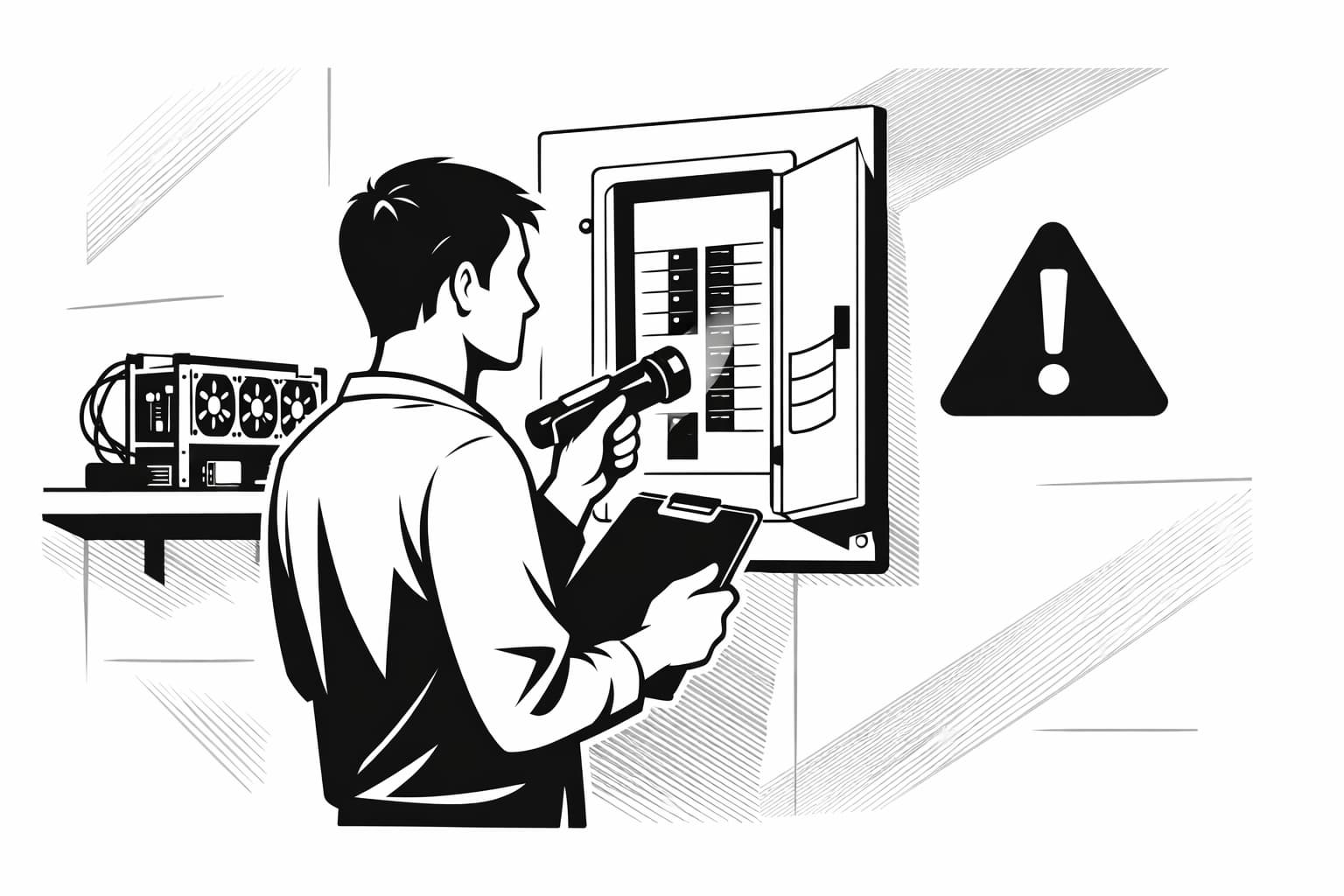
WARNING: Your safety is paramount. Locate your circuit breaker panel, but never attempt to remove the front cover yourself unless you are a qualified electrician. All the information you need is visible on the outside with the breakers themselves.
How to Read Your Circuit Breaker Panel
Open the small door to your breaker panel. You'll see rows of switches. Each switch is a circuit breaker, and it will have a number printed on its handle, typically 15 or 20. This number represents the amperage (amps) for that circuit. A 15-amp circuit can handle less power than a 20-amp one.
Look for a chart or a list of labels on the inside of the panel door. Ideally, the previous owner or an electrician labeled which breakers control which rooms or major appliances, like "Kitchen Outlets" or "Master Bedroom." If it's not labeled, you'll have to do some testing.
Identify What's Already on a Circuit
Before you plug in your powerful mining rig, you must know what else is sharing its circuit. A circuit you think is free might also be running your refrigerator or home office setup. To find out, plug a lamp into the outlet you want to use. Then, go to your breaker panel and start flipping off individual breakers one by one until the lamp goes out. Now you know which breaker controls that outlet. Turn it back on and check what other devices in your home also lost and regained power. This simple test helps you avoid overloading the circuit and ensures a stable mining power supply.
Step 3: Installing a Dedicated Mining Circuit
Now that you've calculated your rig’s power needs and assessed your home's existing circuits, it's time to create the ideal environment for your hardware. For any serious miner, a dedicated circuit is the gold standard for a safe and stable mining electricity setup. In simple terms, this means one circuit breaker in your panel is connected to a single electrical outlet, used only by your mining rig. This completely isolates your valuable equipment from other household appliances, preventing overloads and tripped breakers.
When is a Dedicated Circuit Absolutely Necessary?
While always recommended, a dedicated circuit becomes non-negotiable under two conditions. First, if your mining rig will consistently draw more than 50% of an existing shared circuit's safe capacity (which we calculated in Step 1), you absolutely need a new circuit. Second, if you plan to run your rig 24/7, a dedicated circuit is essential to prevent heat buildup and reduce fire risk. Continuous operation puts a unique strain on wiring that shared circuits aren't designed to handle.
DIY vs. Hiring a Professional Electrician
This is one area where you should not try to save money. Unless you are a licensed electrician, do not attempt this work yourself. The risks of fire, equipment damage, and personal injury are far too high. Hiring a professional ensures the job is done safely and complies with local electrical codes, giving you complete peace of mind. When you call an electrician, ask them for "a dedicated 240V 20A circuit with a NEMA 6-20R outlet" for your home computer server. This provides the right power and efficiency for most modern mining rigs.
Step 4: Choosing and Using a Power Distribution Unit (PDU)
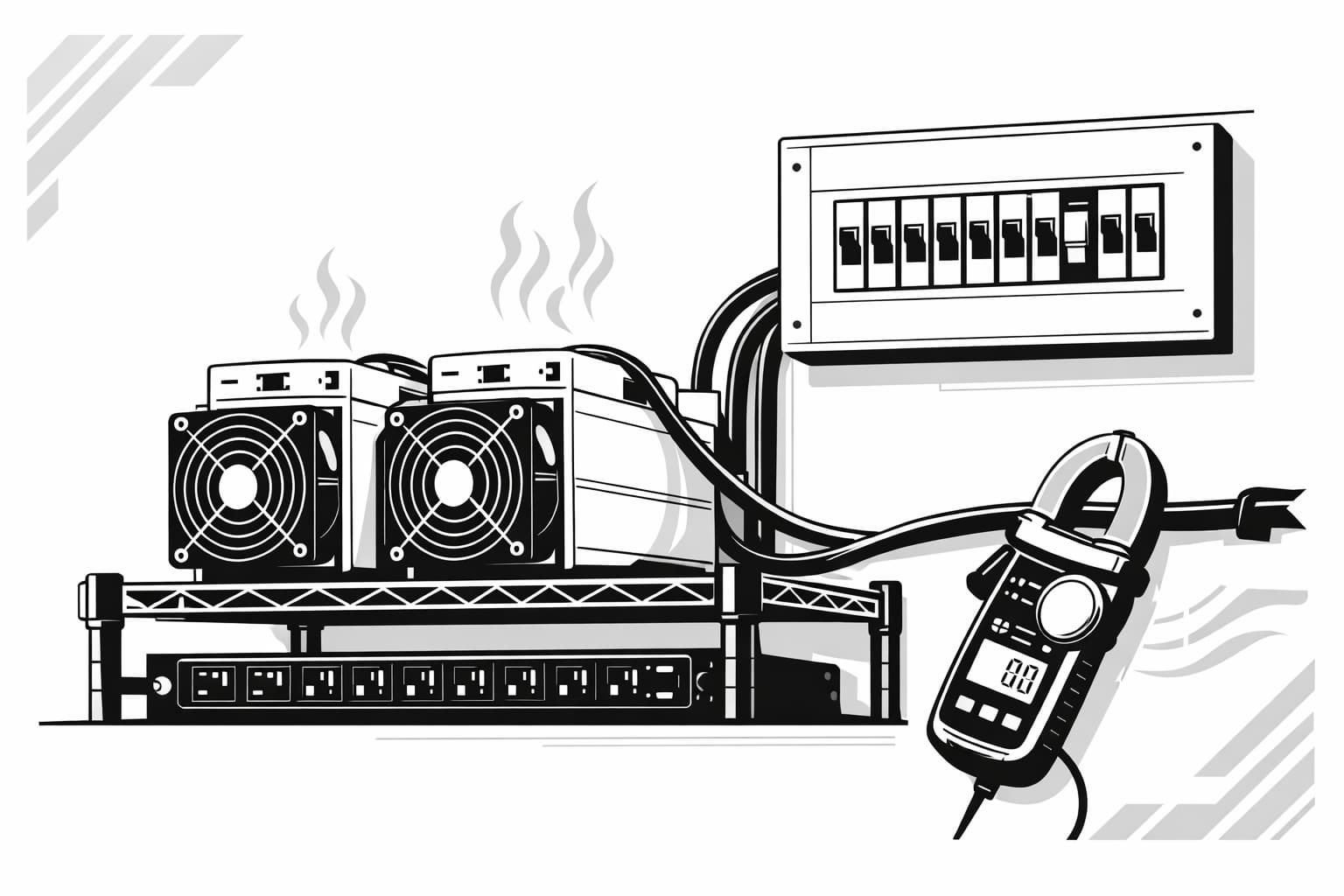
With your dedicated circuit ready, it’s time to move beyond consumer-grade power strips. A Power Distribution Unit (PDU) is essentially a professional power strip, built for the constant high demand of servers and, you guessed it, crypto mining rigs. Using a PDU is a key part of a safe and organized mining electricity setup, allowing you to power multiple machines from a single, high-amperage outlet cleanly and safely.
Basic vs. Metered vs. Switched PDUs
PDUs come in a few main flavors. Basic PDUs are the simplest, offering more outlets and durable construction. Metered PDUs are a fantastic upgrade, featuring a digital display that shows your real-time power draw in amps. This is incredibly useful for ensuring you stay within safe limits. Switched PDUs offer the most control, allowing you to remotely turn individual outlets on or off—a helpful feature for rebooting a frozen rig without being physically present.
For most home miners, a metered PDU offers the best balance of cost and functionality. Seeing your exact power consumption is the single best way to prevent accidental overloads.
How to Match a PDU to Your Circuit
This part is non-negotiable for safety. Your PDU must be perfectly matched to the dedicated circuit you installed. Look at the PDU’s plug type and amperage rating. If you installed a 20-amp circuit with a NEMA 5-20R outlet, you must buy a PDU with a NEMA 5-20P plug and a 20-amp rating. Plugging a 15-amp PDU into a 20-amp circuit is a fire hazard, as the circuit breaker won't protect the under-rated PDU. Always match the PDU to the circuit.
Safely Connecting Your Rigs to the PDU
Once you have the correct PDU, connect your rigs with care. First, ensure the PDU is switched off before plugging it into the wall. Then, connect one mining power supply at a time, using high-quality, heavy-gauge power cords (14 AWG is a good standard). Turn on your rigs one by one and watch the metered display. Your total continuous load should never exceed 80% of the circuit's rating. For a 20-amp circuit, that’s a maximum continuous draw of 16 amps.
Conclusion: Powering Your Mining Journey Safely
Building a stable and safe mining electricity setup is the foundation of any successful home operation. By now, you understand how to calculate your rig's total power draw, why a dedicated circuit is non-negotiable for safety and performance, and how to select the right PDU for your needs. Always remember that investing in a proper electrical foundation is the single most important step you can take to protect your hardware and your home.
With your power sorted, you can focus on the more exciting parts of the journey, like efficiently managing your Bitcoin rewards. Happy mining!
Frequently Asked Questions
- How much power is needed to mine 1 Bitcoin a day?
- Mining one Bitcoin a day at home is no longer feasible due to the network's immense difficulty. This would require an industrial-scale farm consuming megawatts of power, far exceeding any residential electrical service. Home miners should focus on earning small fractions of a Bitcoin over time with an efficient, dedicated setup.
- How much does a mining setup cost?
- Costs vary widely based on your goals. A basic GPU rig might start around a few thousand dollars. A high-performance ASIC miner, plus essential cooling and electrical upgrades like a dedicated circuit and PDU, can easily exceed $10,000. Always factor in professional electrician fees for a safe and stable installation.
- What is a mining PSU?
- A mining Power Supply Unit (PSU) converts AC power from your wall outlet into the stable DC power your mining hardware needs. Choosing a high-efficiency model, such as an 80 Plus Gold or Platinum rated unit, is crucial for reducing wasted energy, lowering heat output, and improving your rig's overall stability.
Sources
Author

Crypto analyst and blockchain educator with over 8 years of experience in the digital asset space. Former fintech consultant at a major Wall Street firm turned full-time crypto journalist. Specializes in DeFi, tokenomics, and blockchain technology. His writing breaks down complex cryptocurrency concepts into actionable insights for both beginners and seasoned investors.