Dual Mining Guide: How to Mine Two Coins on One GPU
Dual Mining Guide: How to Mine Two Coins on One GPU
Learn dual mining, how it works, best coin pairs, setup tips, and GPU tuning strategies to mine two cryptocurrencies on one GPU more efficiently.
What Is Dual Mining and How Does It Work?
Dual mining is the practice of using one GPU to mine two cryptocurrencies at the same time. Instead of dedicating all of the card’s resources to a single coin, the miner runs two algorithms together and splits available compute, memory, and power between them to earn a second stream of rewards.
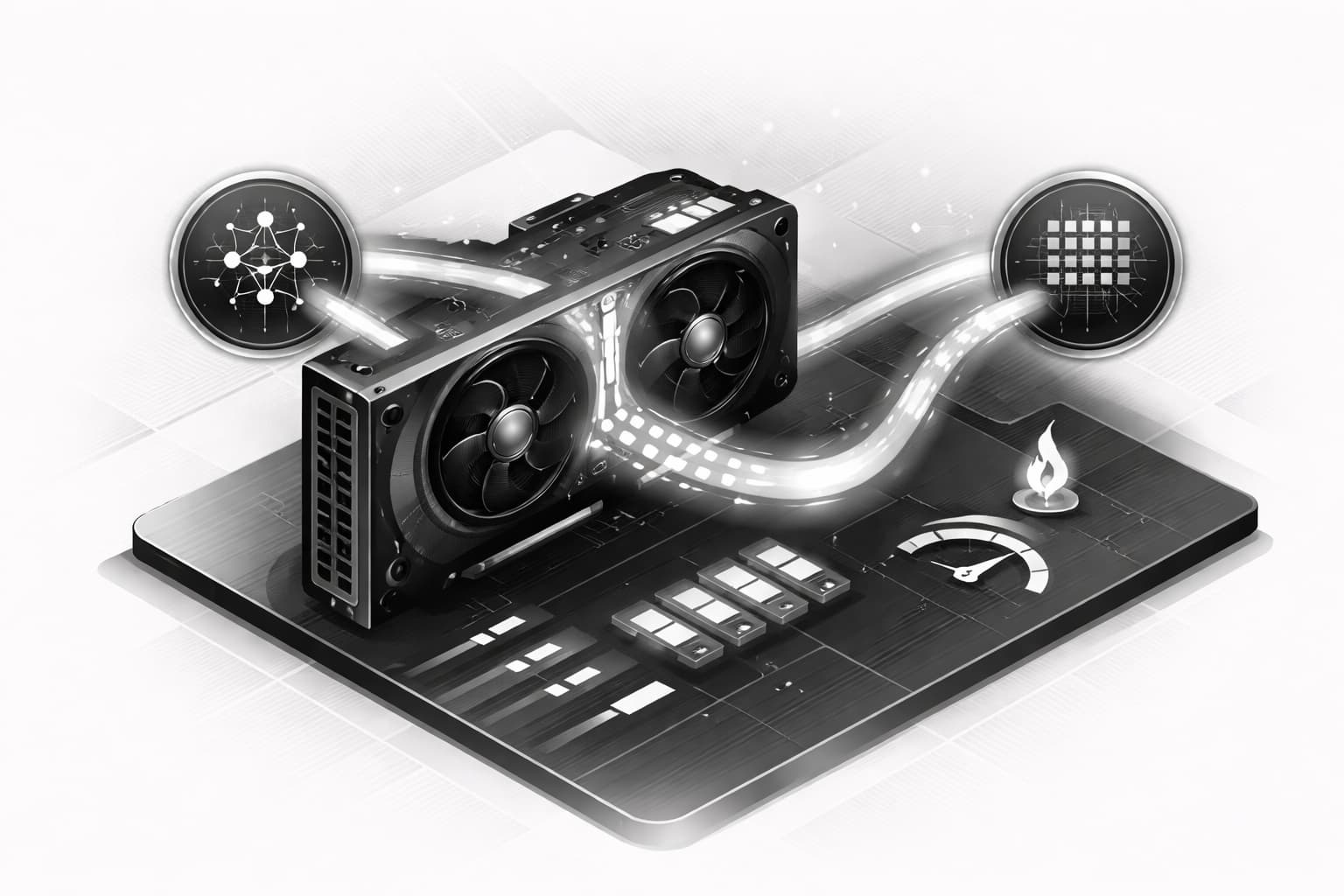
At a basic level, a graphics card has several resources it can draw from: memory bandwidth, core processing power, cache, and a fixed power budget. When you dual mine, mining software schedules two workloads on that same GPU and tries to keep more of the hardware busy. That is the appeal. Rather than leaving part of the card underused, miners attempt to turn spare capacity into extra income. If you are new to mining, it helps to review cryptocurrency basics before comparing coin pairs and tuning settings.
Dual Mining vs Single-Coin Mining
Single-coin mining is simpler. You choose one algorithm, tune the GPU for that workload, and focus on stability, temperature, and efficiency. By contrast, to dual mine means balancing two jobs at once. The upside is better resource use and, in some cases, higher total revenue. The downside is more heat, more tuning, and a greater chance of crashes, rejected shares, or lower efficiency if the combination is poorly matched.
Why Some Algorithm Combinations Work Better Than Others
Some pairs work because they stress different parts of the GPU. A memory-heavy algorithm may leave enough core headroom for a second, more core-focused algorithm. That makes the pairing practical. But when both algorithms compete for the same resource, performance drops fast. Limits usually appear in memory pressure, core saturation, power draw, VRAM capacity, and system stability. In short, dual mining works best when the two workloads complement each other instead of fighting over the same hardware.
Why Miners Use Dual Mining: Benefits, Tradeoffs, and Risks
After understanding the basic idea, the next question is simple: why do miners bother with dual mining at all? In the right setup, it can be a smart way to squeeze more value from the same GPU. Instead of leaving part of the card’s memory bandwidth, core load, or power headroom underused, a dual mine configuration can turn that spare capacity into an extra stream of coins.
Potential upside: better efficiency and extra coin yield
The main appeal of dual mining is improved hardware efficiency. Some coin pairs place different demands on a GPU, so running them together may raise total earnings without cutting the primary coin too much. For example, if one algorithm leans harder on memory while the other uses more core resources, the card can sometimes handle both better than many beginners expect.
There is also a diversification benefit. Instead of being paid in only one asset, you earn rewards from two networks at once. That can help when one coin dips in price or difficulty rises sharply. In favorable market conditions, dual mine setups can produce better daily revenue than mining a single coin alone.
Potential downside: power, thermals, and rejected shares
That said, the extra yield is never free. Dual mining often increases power draw, which can wipe out gains if electricity is expensive. More load also means more heat, higher fan speeds, and a greater chance of thermal throttling.
Poor tuning creates another risk: unstable clocks, more rejected shares, and lower effective hashrate. A setup that looks profitable on paper can underperform badly if the GPU crashes or constantly retries work. So while dual mining can pay off, the best results come from careful testing, not assumptions.
Best Coin Pairs for Dual Mining
Once you understand the basic idea, the next question is simple: which pairs are actually worth testing? In practice, the best dual mining combinations change often. Miner support, GPU architecture, VRAM limits, power cost, and coin prices all affect results. That means there is no permanent “best” setup, only the best option for your card and the current market.
Even so, a few combinations come up again and again in dual mining discussions because they balance hashrate loss on the primary coin with extra income from a secondary one. Many miners compare these pairings when deciding which altcoins to run alongside a main workload.
ETHW + ALPH and ETC + ALPH
ETHW + ALPH and ETC + ALPH are among the most talked-about ways to dual mine today. The reason is fairly straightforward: ALPH can often be added as a secondary coin without completely crushing performance on ETHW or ETC. On some GPUs, this creates a workable balance between total revenue and acceptable power draw.
That said, these pairs still push the card harder than single-coin mining. Core and memory behavior may shift, fan speeds can rise, and stability margins often get tighter. A setting that looks fine for an hour may start producing stale shares, rejected shares, or driver resets later. For that reason, miners should monitor pool-side hashrate, accepted share rate, wattage at the wall, hotspot temperature, and whether the primary coin loses too much speed after enabling the second one.
ETH or ETC + ZIL
ZIL is a special case. Instead of a constant simultaneous load, ZIL mining usually happens in short periodic windows. For most of the time, the GPU mines ETH or ETC normally, then switches briefly to ZIL when the Zilliqa round starts. This makes ETH or ETC + ZIL feel different from a typical dual mine setup because the card is not carrying both algorithms at full intensity all day.[1]
For beginners, that usually means easier tuning and less thermal stress than always-on dual mining. The main thing to check is whether your miner and pool handle the switching cleanly.
Kaspa, ERG, and Other Secondary Options
You may also see KAS, ERG, TON, or similar names in dual mining conversations. These options depend heavily on miner software support and on how efficient your specific GPU is with each algorithm. Some cards handle certain pairings well, while others lose too much primary hashrate to make the extra coin worthwhile.
So, if you plan to dual mine with one of these secondary options, treat online examples as starting points rather than guarantees. Test carefully, compare real pool payouts, and be ready to change pairs as network conditions shift.
How to Start Dual Mining on One GPU
Once you have a coin pair in mind, the next step is turning that plan into a safe, working setup. For beginners, the easiest way to approach dual mining is to move in a simple order: set up payouts, connect to a pool, configure your miner, then test everything before letting it run for hours.
- Choose a coin pair. Pick two coins your GPU and miner both support. A common starting point is one core coin plus a lighter secondary coin that can share GPU resources without causing too many rejected shares.
- Create wallets. You will need a separate wallet address for each coin. If you are new to this, review how crypto wallets work first so you understand where mining payouts will go.
- Pick a mining pool. Choose a pool that supports your selected coins and has clear setup instructions. Many beginners start with pools such as 2Miners or another pool listed in the miner documentation. Check payout minimums, server regions, fee structure, and whether the pool supports worker names.
- Install a miner. Download a miner such as LolMiner or TeamRedMiner from the official source. Before running it, read the dual mining section in the docs. Confirm supported algorithms, GPU compatibility, and the exact syntax for dual mine mode.
- Configure dual algo settings. Create a batch file or config file with pool URLs, wallet addresses, worker name, and any password or payout fields the pool requires. Then add the command-line parameters for both algorithms exactly as shown by the miner.
- Run a short stability test. Start with 20 to 30 minutes, not an overnight session. Watch for accepted shares on both coins, rising temperatures, fan spikes, crashes, and any unusual power behavior.
- Monitor results before scaling up. If the rig stays stable, review hashrate, stale shares, and payout tracking. After that, make small tuning changes rather than pushing clocks too hard all at once.
Choose your coins, wallets, and mining pool
When setting up dual mining, begin with coins that are already known to work well together in your chosen miner. Then generate both wallet addresses and save them carefully. A wrong address means missed payouts, so double-check every character before you launch.
Install mining software and configure dual algo settings
Miner documentation matters here. Look for dual algorithm support, examples for your GPU brand, worker naming format, and any payout-related fields. Even a small typo in a batch file can cause one side of the dual mining setup to fail while the other appears to run normally.
Run a short test before mining full time
At this stage, patience pays off. A short test tells you far more than a quick program launch. If your GPU remains stable, temperatures stay in range, and both pools show accepted shares, you are in a much better position to dual mine full time with fewer surprises.
Optimal Dual Mining Configurations and GPU Tuning
Once your rig is running, the next step is tuning it so dual mining adds useful income without wasting power or pushing temperatures too high. The goal is not always the highest raw hashrate. In practice, the best setup is usually the one that gives the strongest net return per watt while staying stable over long sessions.
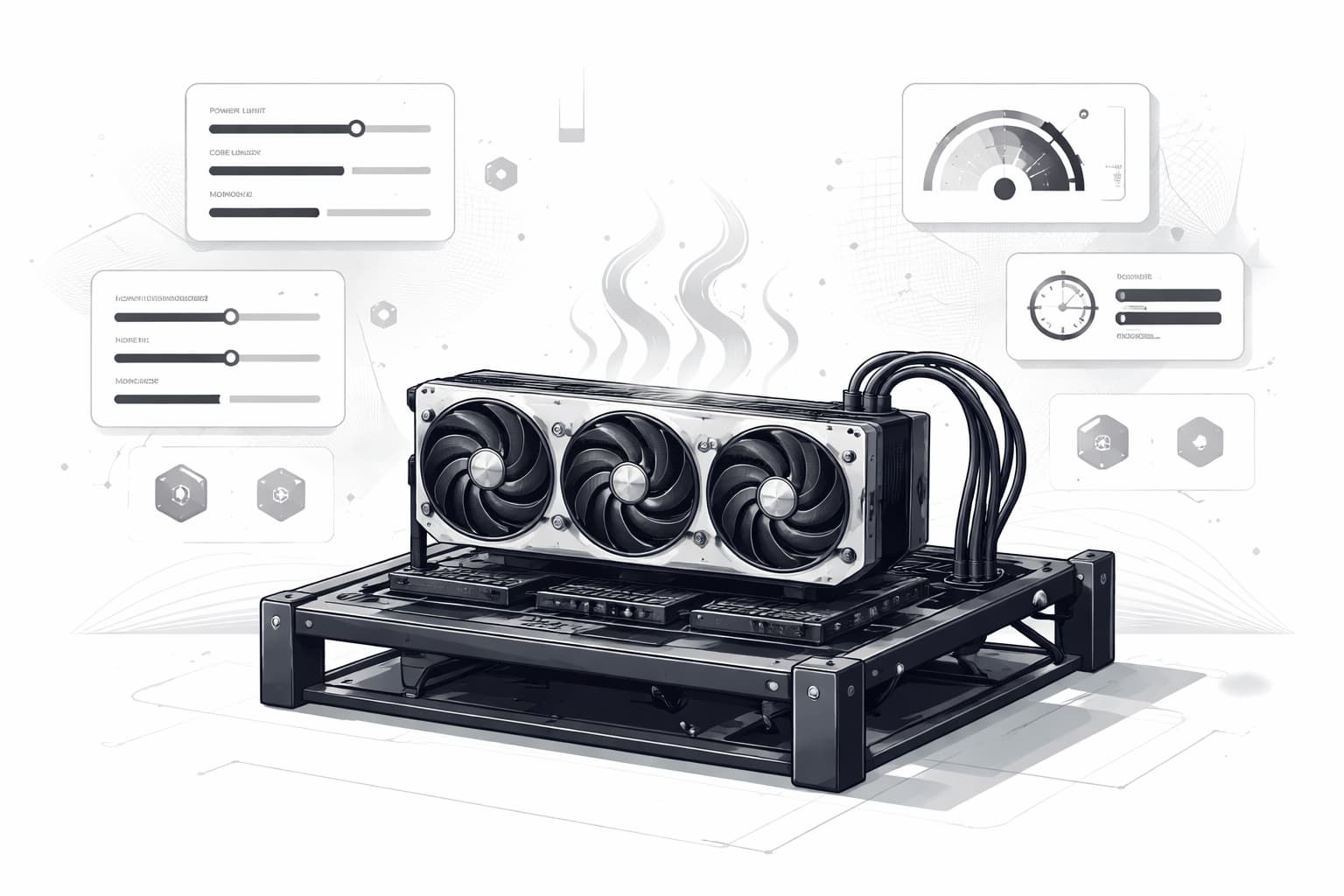
Understanding dual ratio, power limits, and clocks
The most important setting is often the miner’s dual ratio. This controls how much GPU time is given to the primary algorithm versus the secondary one. A higher ratio for the second coin can raise its hashrate, but it may also reduce performance on the first coin or increase power draw. The sweet spot is where total daily value improves without creating instability.
After that, tune power and clocks in small steps. Lower power limits can sharply improve efficiency, especially if the card gains only a little extra hashrate from more wattage. Core clock tends to matter more for core-heavy algorithms, while memory clock matters more for memory-heavy ones and can also be affected by DAG size. Fan curves should be set to hold safe temperatures without constant ramping. In other words, test one change at a time and watch accepted shares, wattage, and temperatures together.
Special considerations for RTX and LHR GPUs
Settings can vary a lot across RTX models. Some cards respond well to lower core and higher memory, while others need more balanced tuning when you dual mine. Former LHR setups also shaped many miner presets, since miners learned to split workloads in ways that kept cards productive even under limiter behavior. Although LHR is less central now, those tuning habits still influence modern dual setups.
As a result, there is no single “best” profile. An RTX 3060, 3070, or 4090 may each prefer different limits, temperatures, and ratios even on the same coin pair. Start conservatively, save stable profiles, and adjust based on your exact GPU, cooling, and electricity cost.
Hashrate, Power Consumption, and Profitability
After you have a stable setup, the next step is deciding whether dual mining is actually paying off. A higher combined hashrate can look impressive, but that number alone does not tell you if a dual mine is worth running. What matters is net profit: coin payouts minus electricity cost, plus any losses from rejected shares, instability, or downtime.
In practice, compare single-coin mining and dual mining side by side over the same time window. Record average hashrate for each algorithm, wall-power draw in watts, pool payouts, and your local electricity rate. Then calculate daily revenue and subtract power cost. This gives a much clearer picture than headline miner stats.[2]
How to compare single mining vs dual mining profit
A simple test is often enough. Run one mode for 24 hours, then run dual mining for 24 hours under similar conditions. If the second coin adds revenue but power jumps sharply, temperatures rise, or the rig becomes less stable, the extra income may disappear. On some GPUs, including cards such as the RTX 4070, copy-paste settings are a bad idea. Separate benchmarking is the safer way to judge real results.
Setup type | Hashrate | Power draw | Estimated daily revenue | Electricity cost | Net result |
|---|---|---|---|---|---|
Single mining | 60 MH/s | 120 W | $1.80 | $0.35 | $1.45 |
Dual mining | 55 MH/s + secondary coin | 155 W | $2.10 | $0.45 | $1.65 |
That is the real test of dual mining: not whether it produces more coins on paper, but whether it leaves you with more profit after power and stability are factored in.
Tips to Get the Most Out of Dual Mining
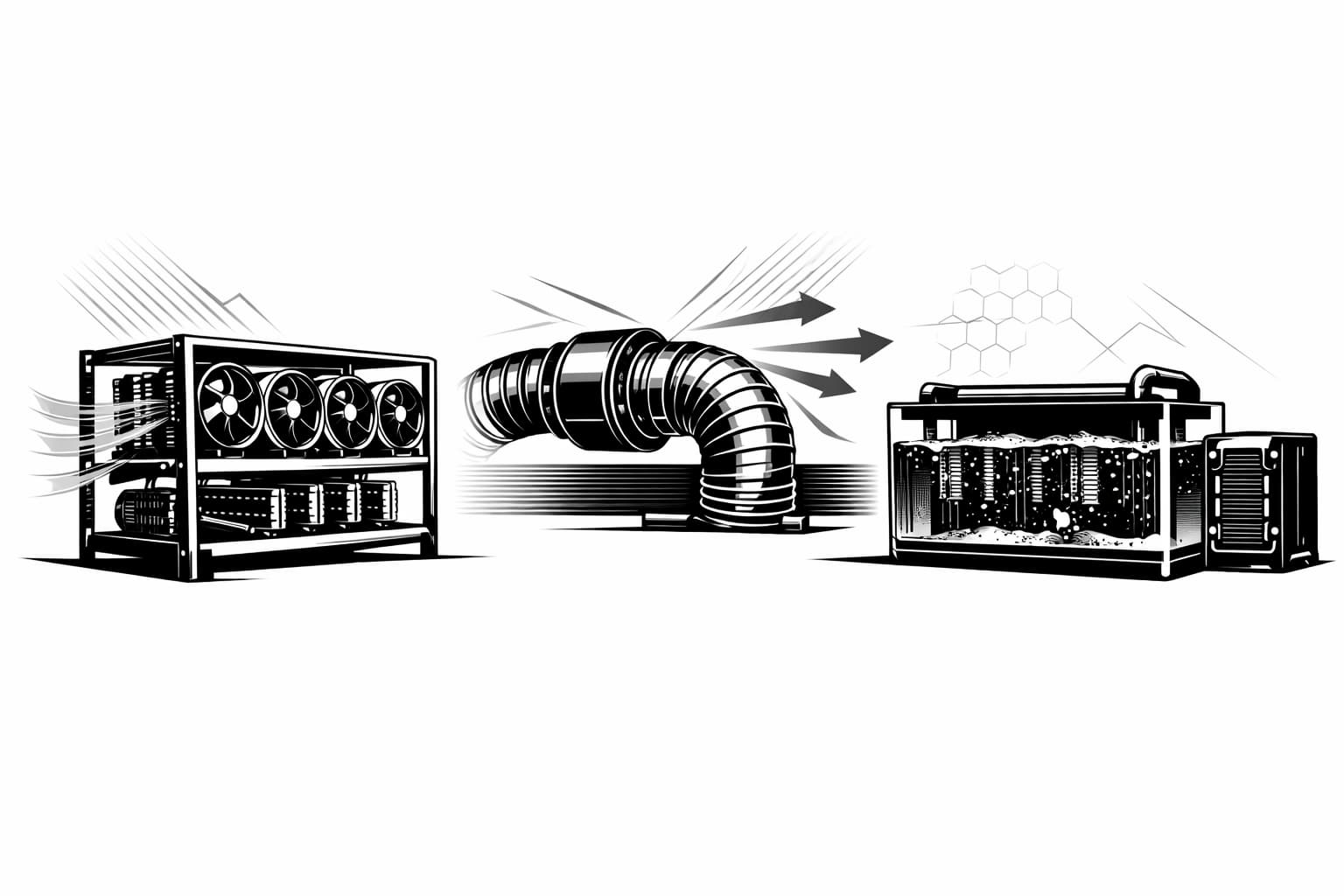
Once your setup is running, small adjustments often make the biggest difference in dual mining results. Start with cooling. A GPU that stays a few degrees cooler will usually hold clocks more consistently and avoid sudden drops, throttling, or instability. Keep fans, filters, and airflow paths clean, and watch memory temperature if your card reports it.
Next, keep your GPU drivers and mining software current. Miner updates often improve dual mine performance, fix bugs, and add better support for newer coin pairs. It also helps to stay aware of DAG size changes, since they can affect VRAM headroom and stability over time.
Pool choice matters too. Lower latency can reduce stale or rejected shares, which directly affects earnings even when hashrate looks fine on screen. At the same time, be realistic: market swings, difficulty jumps, and coin price changes can turn a good dual mining setup into an average one very quickly.
Common mistakes to avoid
- Using over-aggressive overclocks that look fast but cause crashes or invalid shares.
- Ignoring rejected shares and focusing only on reported hashrate.
- Chasing outdated coin pairs that were profitable months ago but no longer make sense.
- Copying settings from a different GPU model instead of tuning your own card.
Is Dual Mining Worth It Today?
Dual mining can be worth it today, but only in the right setup. If your GPU stays efficient under a mixed workload, your electricity rate is low, and you do not mind testing settings, dual mining can add a useful bump in daily revenue. On the other hand, if power is expensive or you want a simple, low-maintenance rig, it may create more hassle than benefit.
So the best answer is practical rather than universal: dual mine when the extra coin meaningfully outweighs added heat, power draw, and tuning time. If you are still learning the basics, it may help to start with Bitcoin mining basics and build from there.
Who Should Try Dual Mining
Dual mining tends to fit hobby miners, home miners with efficient GPUs, and anyone comfortable adjusting clocks, power limits, and fan profiles. It also suits miners who enjoy watching profitability and switching strategies as coin conditions change. By contrast, beginners who want a set-it-and-forget-it system, or miners running older, less efficient cards, will often be better off sticking to a single coin.
Frequently Asked Questions
- What is dual mining?
- Define dual mining as using one GPU to mine two cryptocurrencies at once by splitting resources across two algorithms. Mention that success depends on compatible coin pairs, miner software, and careful tuning of power, clocks, and thermals.
- Is dual mining worth it?
- Explain that dual mining can be worth it when the second coin adds more value than the extra electricity, heat, and instability costs. Encourage readers to compare net profit, not just total output, and to test settings on their own GPU.
- How many hours to mine 1 Bitcoin?
- Clarify that mining 1 Bitcoin directly with a single GPU is not realistic today because Bitcoin mining is dominated by ASIC hardware and mining difficulty is extremely high. Suggest readers view GPU mining as earning altcoins that may later be converted to BTC.
- Has 95% of Bitcoin been mined?
- Answer that yes, more than 95% of Bitcoin has already been mined, but the final coins will take much longer due to Bitcoin’s supply schedule and halving events. Keep the explanation concise and tie it back to why GPU miners focus on other coins.
- How long will it take to mine 1 Bitcoin?
- State that the timeline depends on hardware, pool participation, and network difficulty, but for a single GPU it is effectively impractical. Emphasize that Bitcoin mining today is mainly done with ASICs rather than consumer graphics cards.
- Is it illegal to mine crypto?
- Explain that crypto mining is legal in many countries but regulated or restricted in some jurisdictions. Advise readers to check local laws, electricity rules, lease agreements, and tax obligations before mining.
Sources
- Dual mining · trexminer/T-Rex Wiki · GitHub
- Dual mining: What is it and how it works
- Dual mining spec coins - General - Forum and Knowledge Base A place where you can find answers to your questions | Hive OS
- Is dual mining worth it and how does it work? - Cruxpool
- Zilliqa Dual Mining vs Ethereum Regular Mining. 2Miners Pool Experiment - Crypto Mining Blog
Author

Crypto analyst and blockchain educator with over 8 years of experience in the digital asset space. Former fintech consultant at a major Wall Street firm turned full-time crypto journalist. Specializes in DeFi, tokenomics, and blockchain technology. His writing breaks down complex cryptocurrency concepts into actionable insights for both beginners and seasoned investors.